
1. Navigate to your account page on Heavyocity.com
If you have not done so already, please create an account on https://heavyocity.com/my-account/
2. Register Punish Lite
Once on your account page, all products purchased directly through our site will be automatically registered to your account page. If you've purchased from a retailer or don't see Punish Lite in your products, click the 'Product Registration' button at the bottom and register your Punish Lite serial.
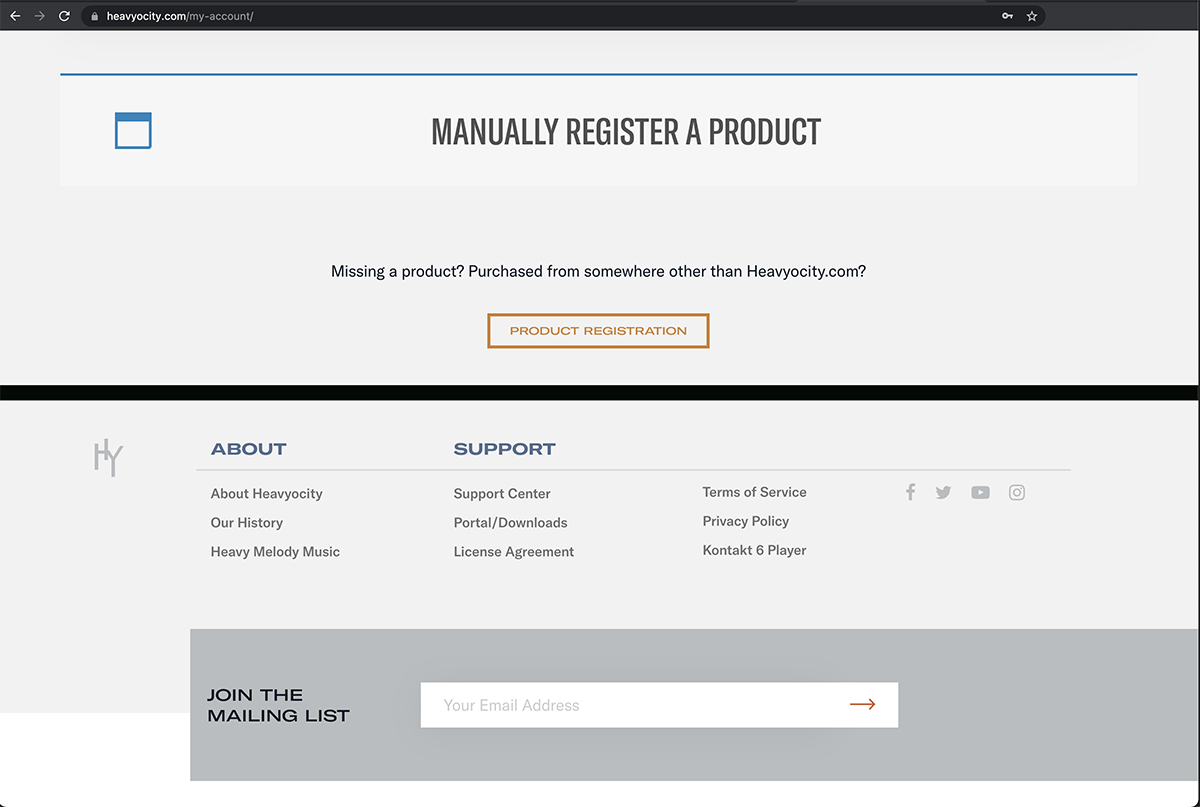
Follow the prompts and click Register to complete your registration.
3. Download your Punish Lite Installer
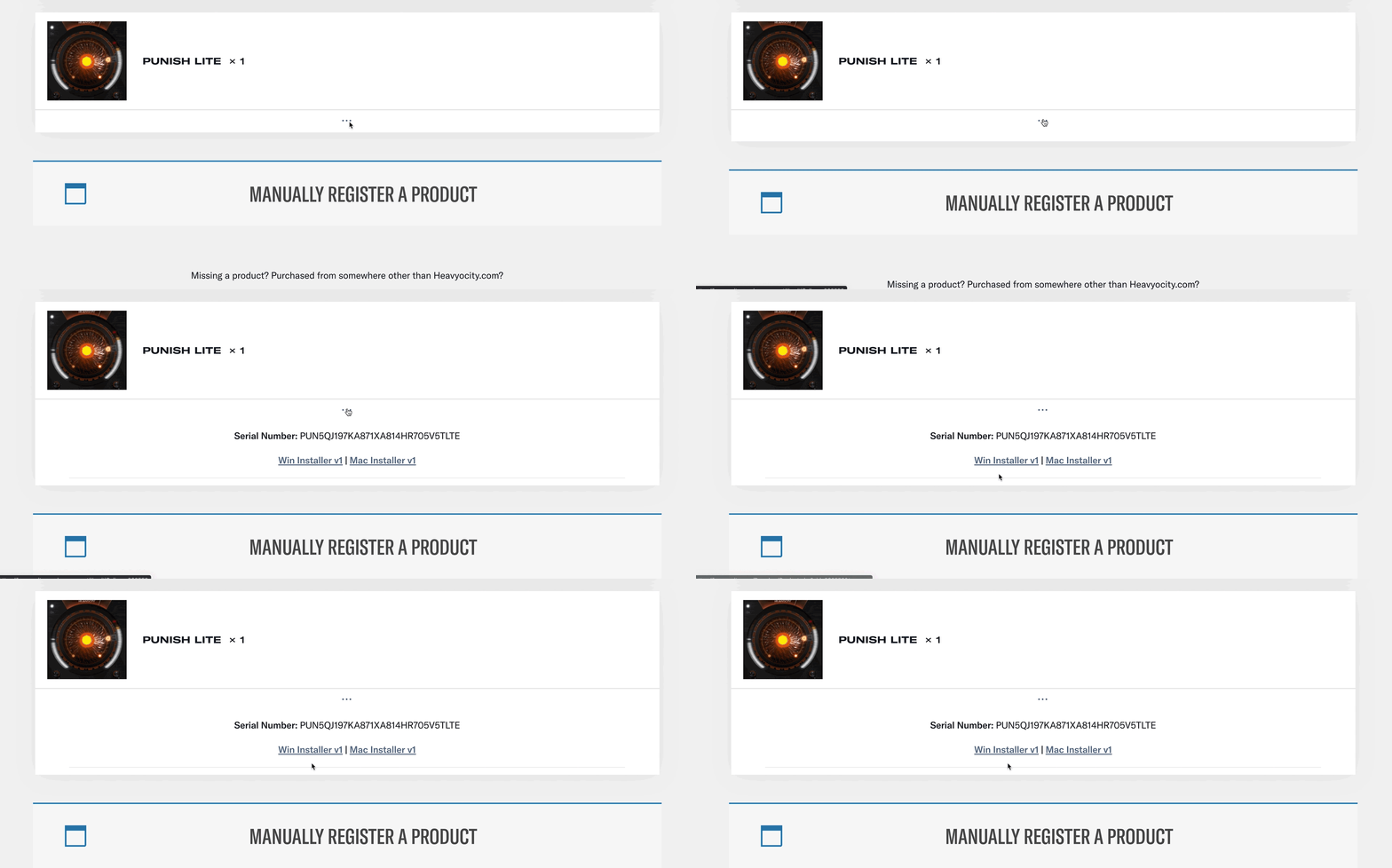
Once the serial is registered, Punish Lite will appear on your list of products. Click on the 3 dots under your product and download the installer for your OS.
4. Install Punish Lite
Launch the installer and follow the prompts to install the appropriate formats (VST3, AU, AAX). Launch your DAW and enjoy!