
If your Kontakt instrument looks something like this...
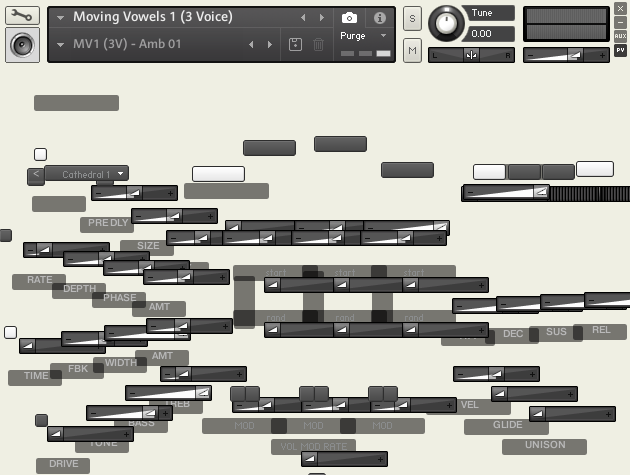
There are 2 possible causes of this issue.
1. You may not have activated your product yet in Native Access. Check to make sure that you have added your serial and that the product is showing as activated in Native Access. For more detailed, step-by-step instructions on installation and activation, please review the Installing a Kontakt Library FAQ.
2. You may have some errant data in the resources container. To resolve this, close Kontakt and navigate (in Finder or Windows Explorer) to the library with which you are experiencing the issue. Open the 'Samples' folder, and delete any files with a '.nkc' extension. Re-open Kontakt and open a preset from the library; the GUI issue should now be resolved.